Hello, I’m influencer Ajeong. I’m worried about how much the usage fee will be early this summer due to the increase in electricity bills. In particular, smart management of power-intensive air conditioners is essential.Using the Samsung Smart Things app, you can monitor electricity usage in real time. You can save money with AI functions. It is also convenient because you can do home training and take care of your pet. Let’s see what it does Let’s get started now 🙂
Smart Things Installation and Integration
Smart Things Installation and Integration
인기글



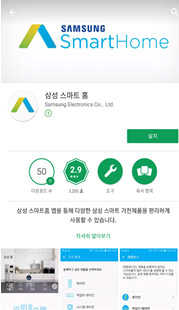
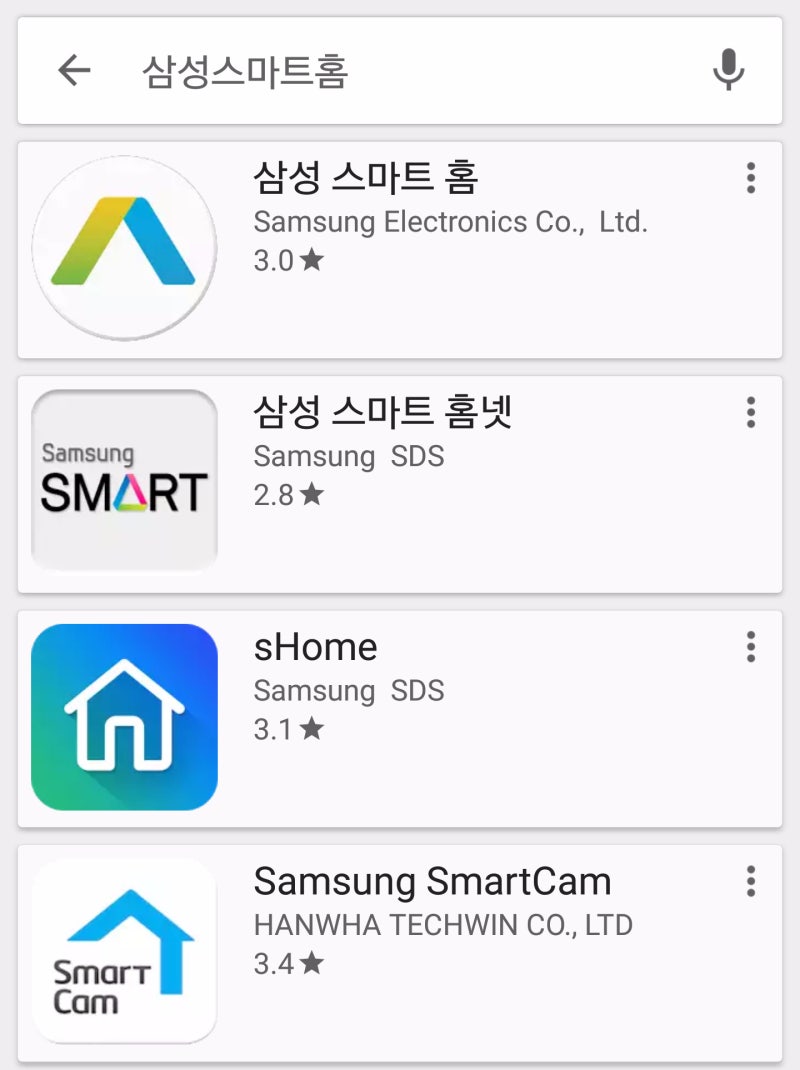
Smart Things is Samsung’s Internet of Things (IoT) platform needed to build a smart home. Monitor and control the status of various devices connected to your home inside and outside your home.I will try to install the application first. Search and install “Smart Things” in the Galaxy Store or Google Store.

The connection method of Samsung Smart Things is simple. If you are looking for a new device as described above, it can be added easily by automatically providing pop-up notifications.
For your information, if an automatic pop-up does not appear when connecting to Samsung Smart Things air conditioner, you can press the windless button on the remote control for more than 5 seconds until AP is displayed on the air conditioner.
Smart Things Utilization

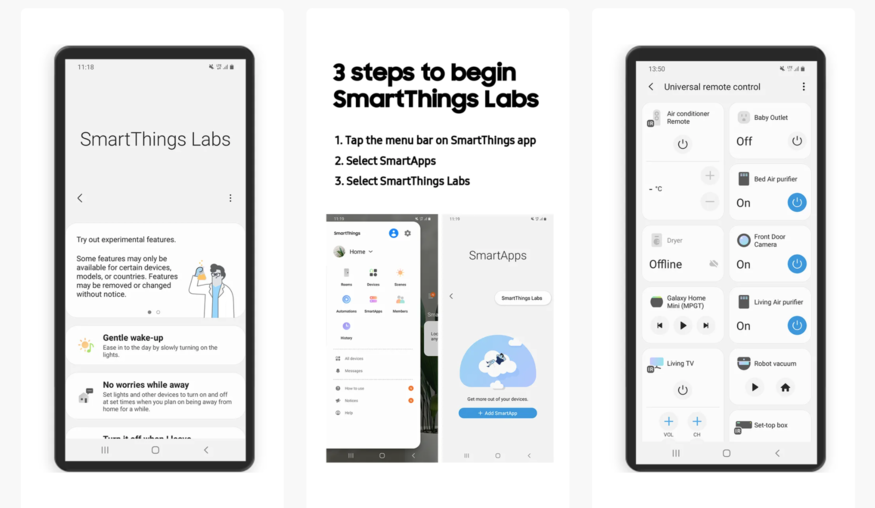
Smart Things Utilizationenergy.You can calculate the power consumption of home appliances. When I entered the air conditioner’s tsubo, energy rating, and year of release, the average monthly power consumption and electricity bill were also converted. It was convenient because they knew and told me about windless air conditioners with lower power.I tried connecting the windless air conditioner myself. From hourly/daily/weekly/monthly electricity usage to progressive section management and estimated electricity bills at a glance. I’d like to save a little more money, is there any way?I wish I could use AI saving mode. Save up to 20% by setting a monthly target usage.I wish I could use AI saving mode. Save up to 20% by setting a monthly target usage.Even if you leave only your pet at home and go out, you can see it in real time through a robot vacuum cleaner or an IP camera. If they cannot be seen, they can also search with a robot vacuum cleaner and record images.PetCare is available on the SmartThings app life tab.Provides care mode functionality. Leverage home trainingYou can check your heart rate, exercise time, and Kcal by linking the smart TV Samsung Health app with the Galaxy Watch. You can exercise together while imitating the trainer’s movements.When you exercise alone at home, your concentration decreases and your interest decreases. Samsung Health Smart Trainer helps you focus more on exercise by delivering accurate posture and feedback.Customized menu management is also possible using the Smart Things app. You can analyze the food I ate and suggest customized menus. Cooking service allows you to quickly prepare customized recipes and fresh ingredients at Samsung Dotcom e-Food Center.I had beef chop steak as a custom-made recipe. They taught me everything from the main ingredients to the recipe in detail.Recently, many people enjoy routineized daily life. With SmartThings routines, you can create a variety of automated routines, including time and place.At 11 p.m., QLED TVs automatically turn off in the living room and wall-mounted air conditioners are turned on inside, so I try to keep my set sleeping habits.You can add various plug-in services by clicking the Application Life tab. You can check various useful contents such as customized recipes, energy saving modes, and fine dust.You can also watch 1 Do video per day of Smart Things. It consists of the introduction to energy, beginner, intermediate, and advanced sections. It is convenient because you can easily learn how to use it and how to use it.When I watched home training, diet, and videos of how to take care of dogs once a day, I felt like my knowledge of smart homes was increasing.Samsung Electronics’ event in July is also hot for the hot summer. You can find Max 1.65 million won, Starbucks Gift Icon, and CU5,000 won at Samsung Dotcom.Take on the Best Reviewer Challenge and check out Starbucks gift icons.Today, we talked about the Samsung Smart Things app. In addition to device control, various smart functions were available, including AI energy saving mode, home training, pet management and routines. Please refer to the following for more details.That’s it.Thank you.Smart manipulator! | SAMSUNG “Do it smartly” stuff! | Samsung bit.ly (bit)Smart manipulator! | SAMSUNG “Do it smartly” stuff! | Samsung bit.ly (bit)Smart manipulator! | SAMSUNG “Do it smartly” stuff! | Samsung bit.ly (bit)